Scan
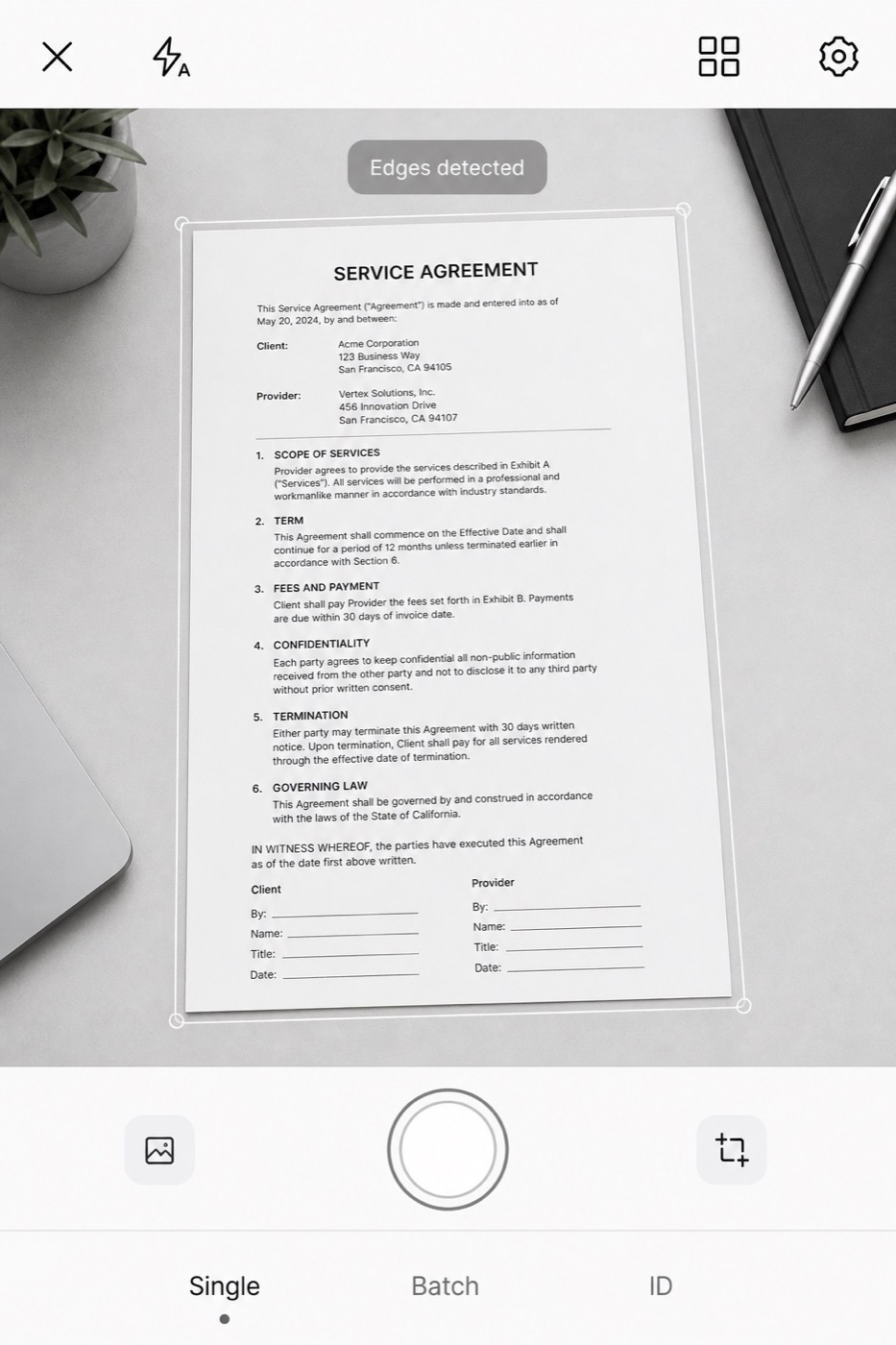
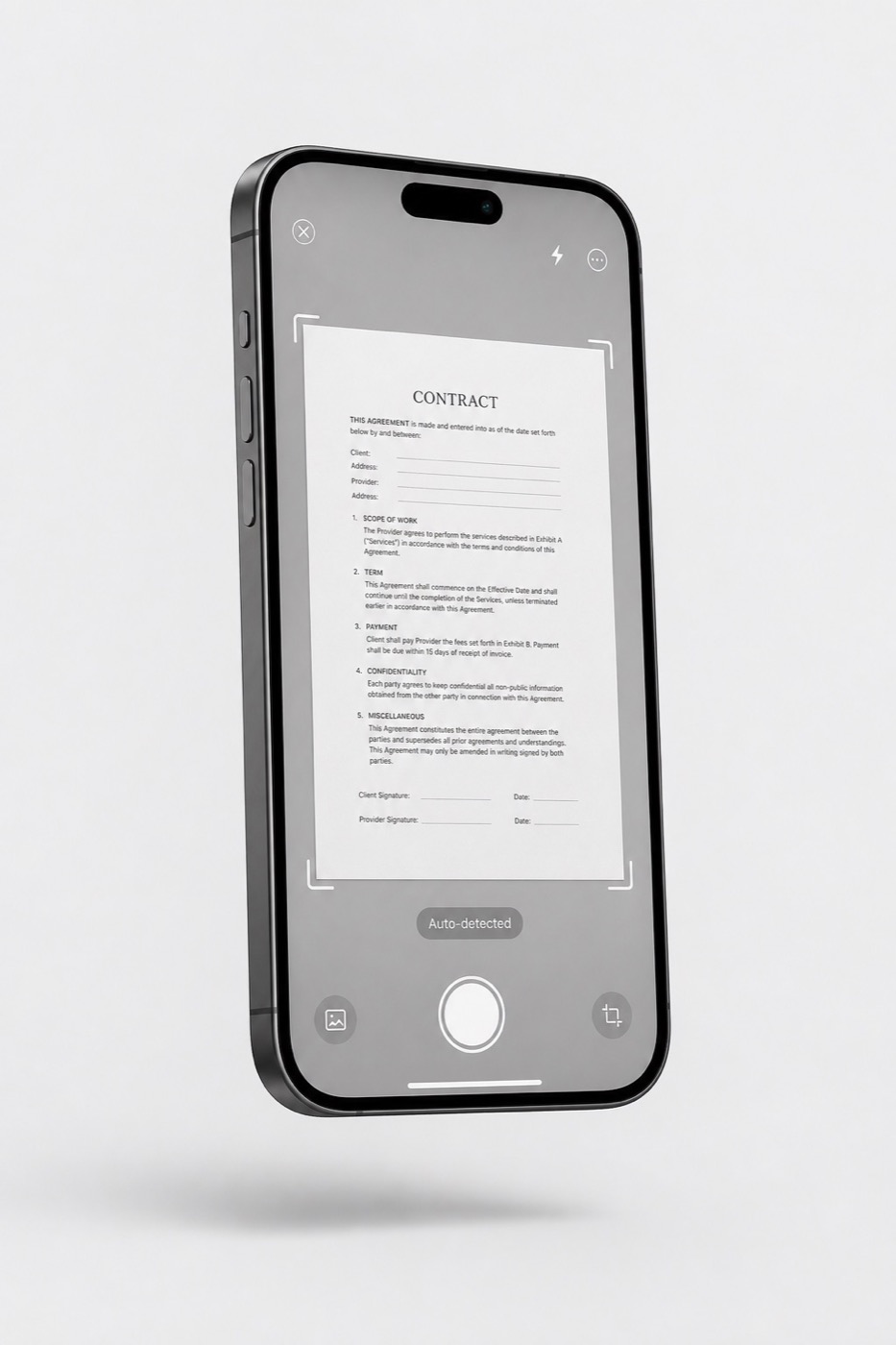
Hold your phone over any page. DocuVault finds the edges, flattens the perspective, kills shadows and glare, and saves a 300 dpi PDF.
Open and scanDocuVault 4.2 — AI shadow removal, 30-language OCR and unlimited e-signatures, right in the browser.
Open the scannerDocument workflow · in your browser
Scan a contract, convert it to any format and add a legally binding signature — in under a minute, without leaving your desk. Built for people whose paperwork can't wait.
Trusted by teams in law, real estate, finance and construction
Three tools. One app.
Hold your phone over any page. DocuVault finds the edges, flattens the perspective, kills shadows and glare, and saves a 300 dpi PDF.
Open and scan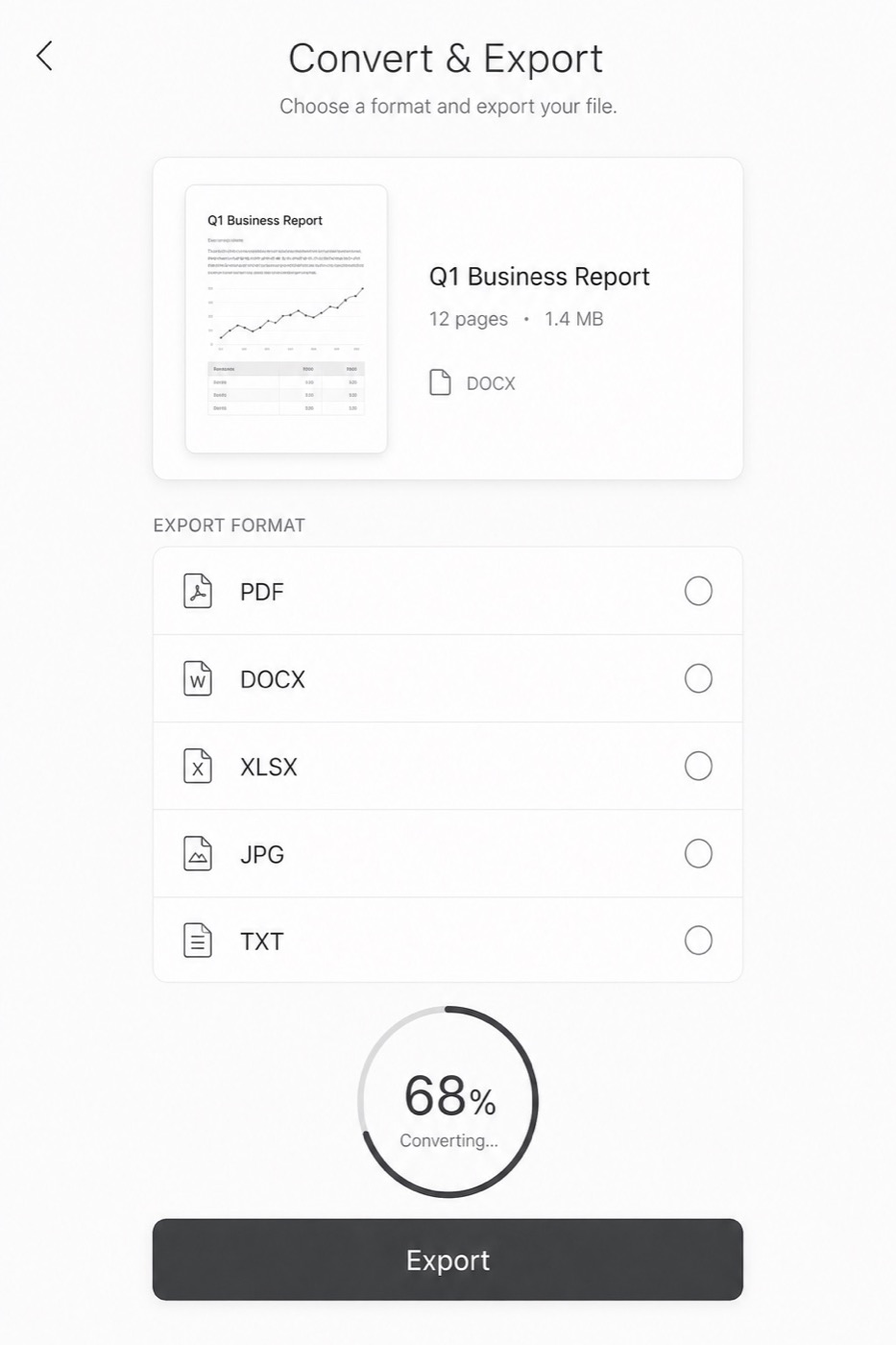
PDF, DOCX, XLSX, PPTX, JPG, TXT — in any direction. Merge, split, reorder, compress and password-protect without a desktop.
See formats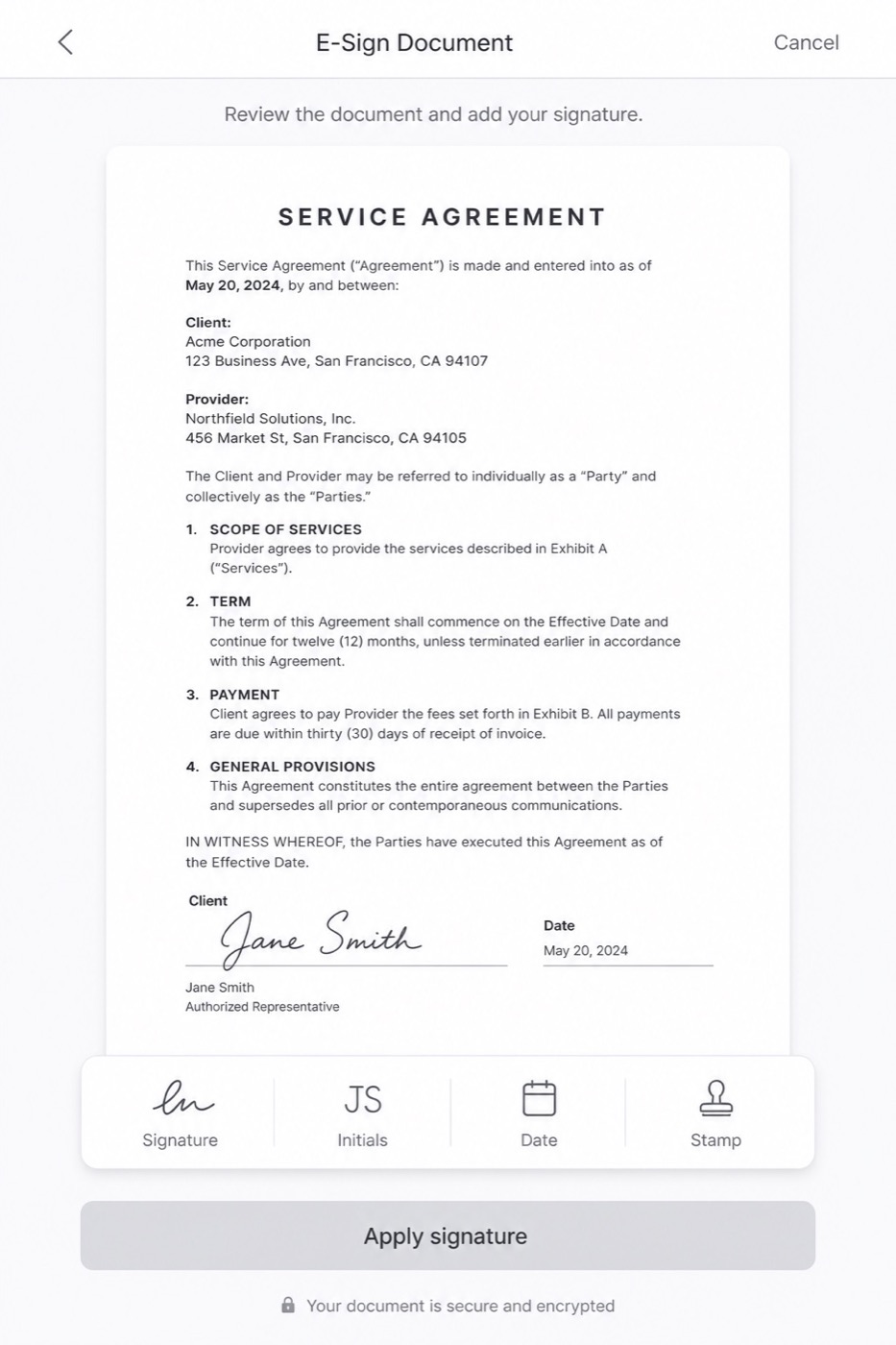
Draw it once, reuse it forever. Every signature ships with a timestamp, audit trail and ESIGN / UETA-compliant certificate.
How signing works
The workflow
Auto-capture fires the moment the page is square in frame. Batch mode handles a 40-page contract without a single tap in between.
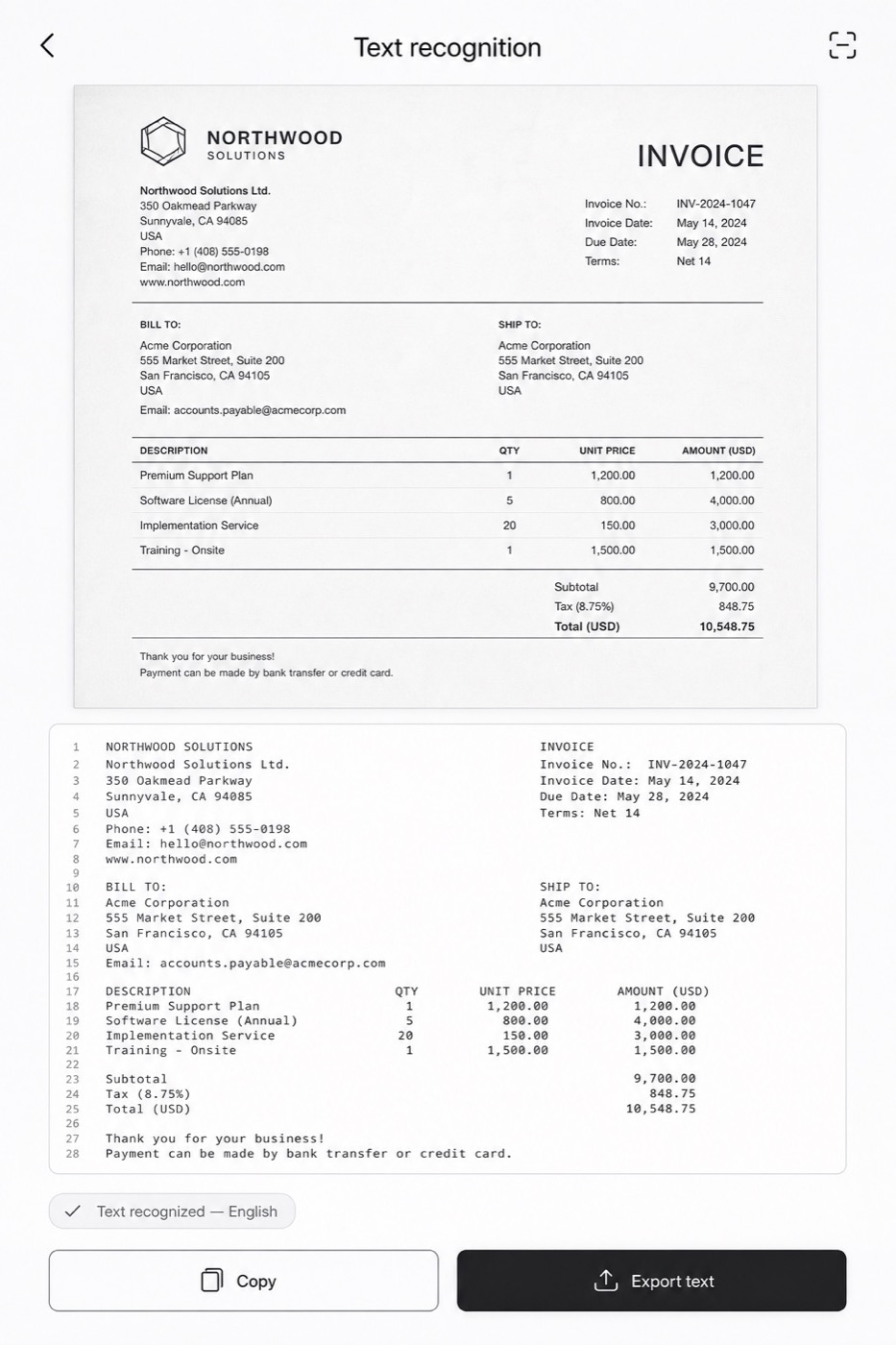
On-device OCR in 30 languages makes every scan searchable, selectable and ready to paste into your CRM or email.
Place your signature, initials, date and company stamp. Send for counter-signature and get notified the second it lands.
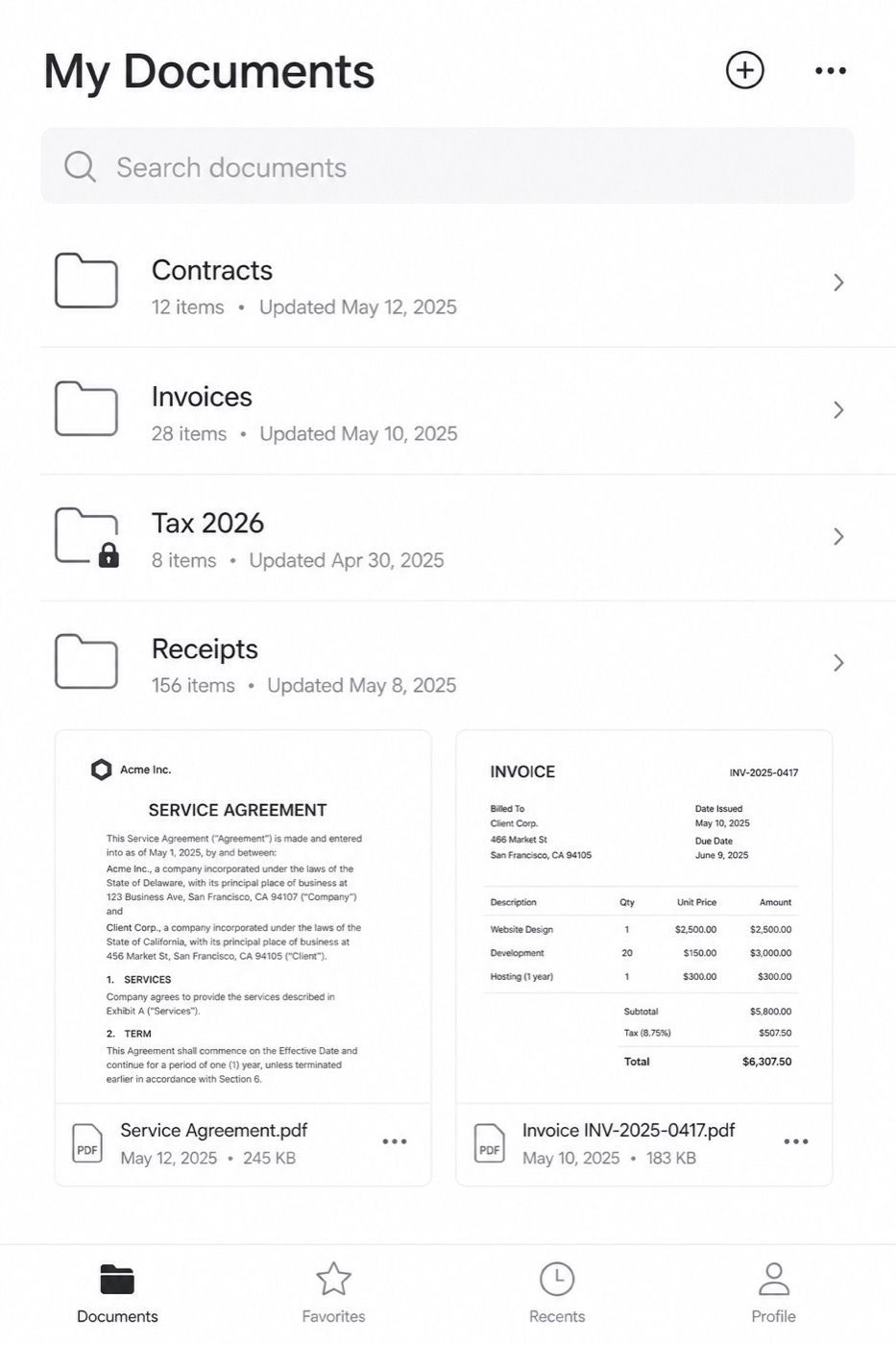
Smart naming files it in the right folder and syncs to Google Drive, Dropbox, OneDrive, SharePoint or your own SFTP.
E-signature
Draw once, store it encrypted, then place it on any contract with one tap. Each signed document carries a tamper-evident certificate with IP, device, timestamp and full event history.
Convert
Keep layout, tables and fonts intact. Conversions run in seconds, on your device or in your private cloud space.
Security
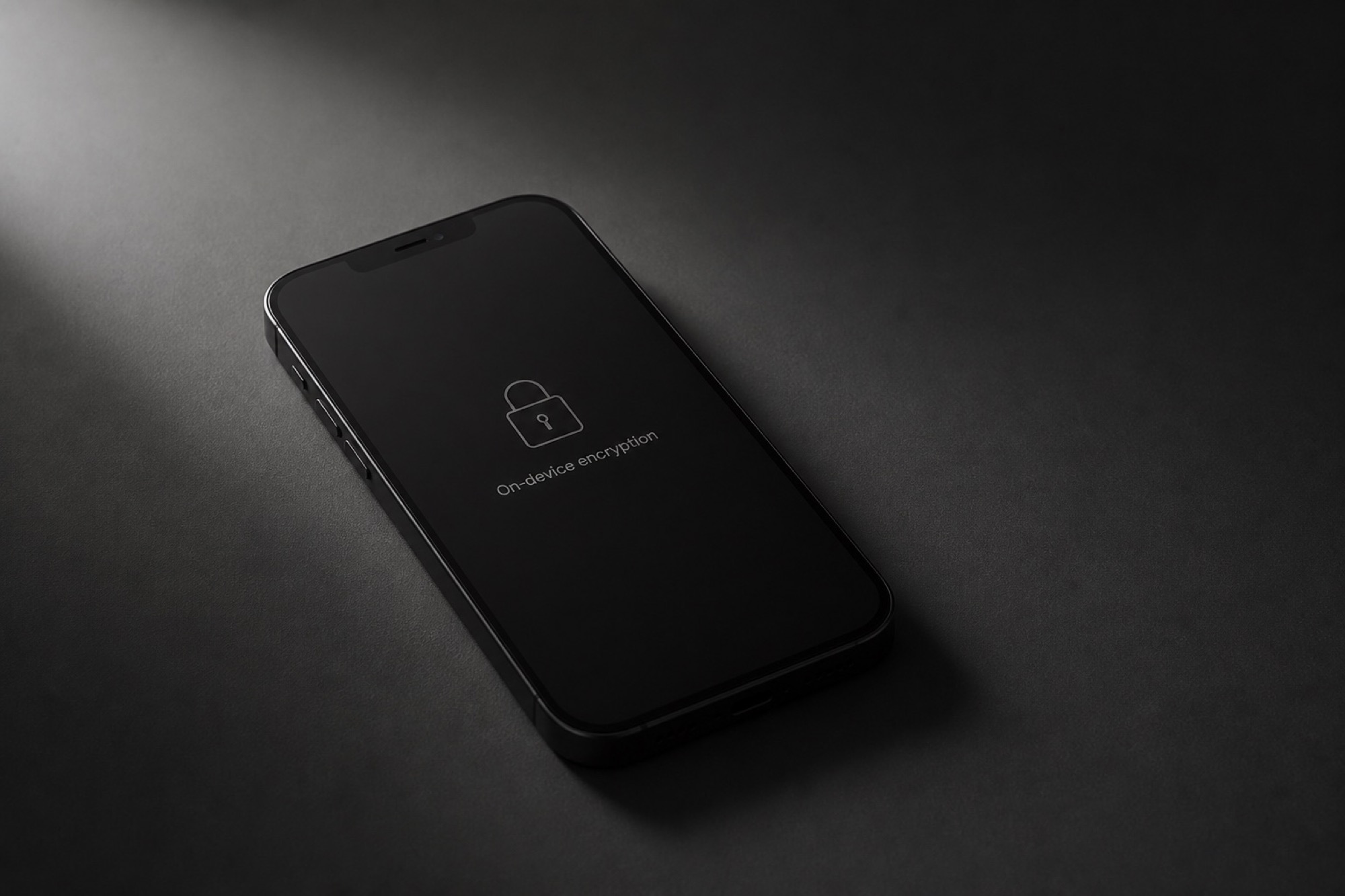
Scanning, OCR and signing all happen on the device. Cloud sync is opt-in, end-to-end encrypted, and you can point it at your own storage.
Comparison
Reviews
“I close on properties in three states. Buyers send documents at 9pm and expect them back signed. DocuVault turned a two-hour round trip into four minutes on my phone.”
 Michael ColemanManaging Broker, Atlanta GA
“We audit 40 vendor files a month. The OCR is accurate enough that I search a folder instead of reading it. That alone paid for the year.”
 Richard VanceCFO, industrial supply · Dallas TX
“I run three job sites. Change orders get signed on the hood of the truck now. The scans look better than what our office machine produces.”
 Andre WhitfieldGeneral Contractor, Chicago IL
“Twenty-six years of practice and I finally stopped carrying a portable scanner. Certificate of completion on every signature is what sold our compliance team.”
Thomas BrennanPartner, Brennan & Reed LLPFAQ
Still unsure? Our US-based support team answers in under four hours on business days.
Open it freeYes. Scanning, PDF export, OCR and your first signatures are free forever, with no ads and no watermark. DocuVault Pro ($4.99/month, billed annually) adds unlimited signature requests, cloud sync, fax credits and priority support.
They are. DocuVault signatures satisfy the federal ESIGN Act and state UETA requirements, and eIDAS for European counterparties. Every document gets a tamper-evident certificate with timestamps, IP, device and full event history.
Not unless you switch cloud sync on. Capture, cleanup, OCR and signing all run locally. If you do enable sync, files are encrypted with AES-256 before they leave the device, and you can point sync at your own Drive, SharePoint, WebDAV or SFTP.
Up to 300 dpi, with automatic perspective correction, deskewing, denoise, shadow removal and five colour modes. Independent tests put it on par with a mid-range flatbed for text documents.
Any device with a current browser — phones, tablets and computers alike. There is nothing to install: open the scanner and the camera, editing and PDF export are all there. On a phone you can add it to the home screen from the browser menu, after which it opens full-screen like a native app and keeps working offline.
Yes. DocuVault Business adds shared folders, role permissions, retention rules, SSO/SAML and centralised billing. Volume pricing starts at five seats.
No install, no account, nothing to update. Your first scan is done before the coffee cools.
Version 4.2 · works in Chrome, Safari and Edge · camera, OCR and PDF export included
Want it on your home screen? Open the scanner, then pick “Add to Home screen” in your browser menu — it runs full-screen and works offline.
By using DocuVault you agree to the Terms of Service and Privacy Policy. No credit card, no account, no ads. Scans are processed on your device and never uploaded.